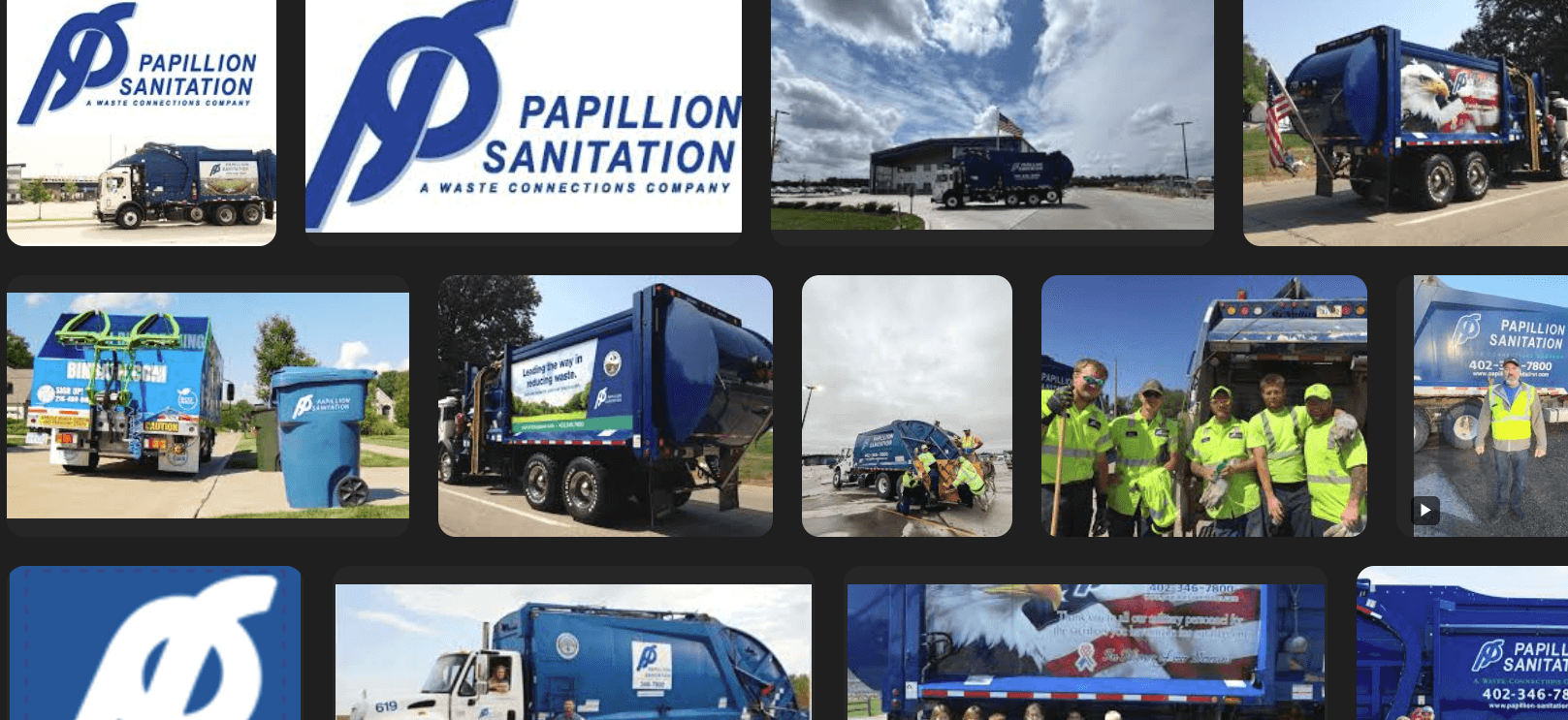

Managing your waste removal and recycling services with Papillion Sanitation (a Waste Connections company) is streamlined through their digital platform. This guide provides a direct walkthrough for accessing your online account, managing payments, and contacting customer support in the Omaha metro area.
How to Login
Papillion Sanitation utilizes the WasteConnect or Waste Connections secure portal for all account management tasks. Follow these steps to access your dashboard:
- Navigate to the official Papillion Sanitation website (papillionsanitation.com).
- Click on the “Bill Pay” or “My Account” button, usually located at the top right of the homepage.
- You will be redirected to the secure Waste Connections login page.
- Enter your registered Username/Email and Password.
- Click “Sign In” to view your invoice and service schedule.
New User Registration: If you are logging in for the first time, you will need to create a profile. Have your Account Number and the Invoice Number from a recent bill ready to verify your identity.
Payment Methods
Papillion Sanitation offers flexible payment options to ensure your service continues without interruption.
1. Online Payment (WasteConnect)
The most efficient way to pay is through the online portal or the Waste Connections mobile app. You can make one-time payments using a credit card (Visa, MasterCard, Amex, Discover) or set up a bank transfer. The portal also allows you to view pickup schedules and service alerts.
2. Auto-Pay
Eliminate the risk of late fees by enrolling in Auto-Pay. You can authorize the system to automatically deduct the bill amount from your checking account or charge your credit card on the due date. This can be managed securely within the “My Account” settings.
3. Pay by Phone
You can make payments 24/7 using the automated phone system.
- Automated Payment Line: (855) 569-2719
- Follow the voice prompts and have your account number and payment method ready.
4. Mail-In Payment
If you prefer to pay by check, mail your payment and the remittance slip to the address listed on your invoice. Please ensure your account number is written on the check.
Customer Service Contacts
Whether you need to report a missed pickup, request a bulk item collection, or have questions about recycling guidelines, the Papillion Sanitation team is available to assist.
| Contact Method | Details |
|---|---|
| Customer Service Phone | (402) 346-7800 (General Inquiries & Scheduling) |
| Automated Bill Pay | (855) 569-2719 |
| Local Office Address | 10810 South 144th Street Omaha, NE 68138 |
| Mailing Address | PO Box 6368 Omaha, NE 68106 |
| Business Hours | Monday – Friday: 8:00 AM – 5:00 PM (Closed on major holidays) |
| Website | www.papillionsanitation.com |
Note: Service schedules often shift during holidays (e.g., Thanksgiving, Christmas, New Year’s). Check the website or the mobile app for real-time delay notifications.